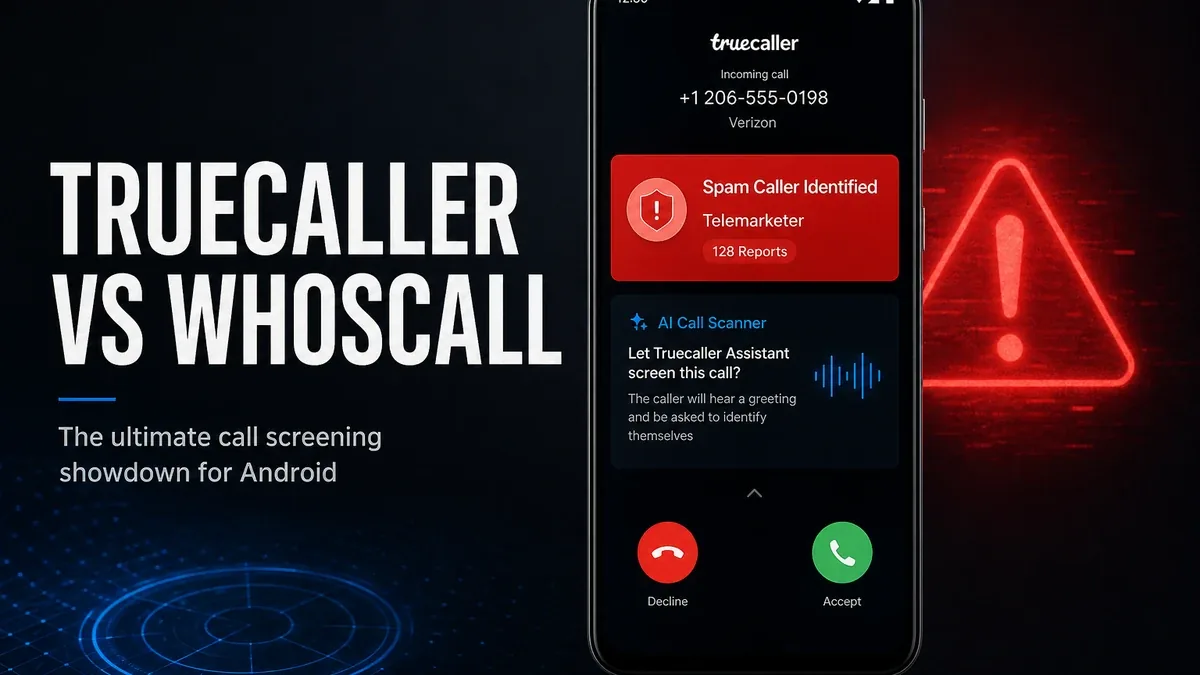
Caller ID apps feel necessary the moment unknown numbers start interrupting your day. They feel heavier when spam protection quietly turns into another communication layer you have to live inside.
Download Truecaller MOD APK - Premium Unlocked
Truecaller · Whoscall · Caller ID · Spam Blocking · Android 2026
The Real Question Is Not Which App Identifies More Numbers
Most caller ID comparisons begin with database size. That metric is easy to understand and easy to exaggerate. But the real decision for Android users is narrower: do you need a broad spam-and-identification system that sits deeply inside calling and messaging, or a more focused protection layer that mainly answers who is calling?
The core thesis of this article is simple: Truecaller is better when you want community-scale spam defense and richer call screening tools, while Whoscall is better when you mainly need caller identification and spam filtering without turning the app into a fuller communication hub. The best caller ID app is not the one that claims the biggest database. It is the one that matches how much phone disruption you actually need to manage.
Why Spam Defense and Caller Lookup Are Not the Same Decision
Some users only need an answer to one question: who is this unknown number? Others need a stronger system because spam, robocalls, and scam attempts are frequent enough to reshape how the phone feels every day. Those are related problems, but they do not require the same depth of app.
Truecaller tends to feel stronger once identification expands into screening, spam blocking, and a broader call-management workflow. Whoscall tends to feel stronger when the priority is recognizing and filtering numbers without inviting the app to become your default communication shell.
This is why "which caller ID is better" is the wrong framing. The better question is whether your friction is occasional unknown numbers, or constant interruption that needs a heavier defense layer.
What Truecaller Actually Does Better
Truecaller MOD APK makes more sense when spam pressure is high enough that identification alone is not enough. Community-scale blocking, richer screening tools, and a denser call-management setup are the center of that value.
What you gain: stronger spam defense, more complete caller-screening options, and a broader toolkit for handling unwanted calls before they interrupt you.
What you lose: some lightness. Truecaller can feel like more than a simple lookup tool, especially if you only needed occasional identification.
Truecaller is strongest when interruption itself is the daily problem. It is weaker when you want the smallest possible caller ID layer and prefer keeping communication elsewhere.
Best For, Not Ideal For
Truecaller is best for: users who get frequent spam or scam calls and want stronger screening and blocking tools rather than basic number lookup.
Whoscall is better when: you mainly need caller identification and spam filtering with a lighter communication footprint. See the Whoscall app page if that is closer to your need.
Not ideal for Truecaller: users who dislike installing a denser call app, or who only rarely need to identify unknown numbers.
Biggest cost: depth. Stronger spam defense often means living with a more complete communication layer than a simple ID tool.
Before You Choose Truecaller
Before choosing Truecaller, ask whether your real friction is unknown numbers, frequent spam, or general phone clutter. If you only need occasional identification, a lighter caller ID tool may be enough. If spam is constant, the denser defense layer becomes more justified.
Our Honest Recommendation
Choose Truecaller when spam and call screening are frequent enough to justify a denser communication layer. Stay closer to Whoscall when you mainly need identification and filtering without expanding the app's role.
In short: Truecaller is better for heavier spam defense. Whoscall is better for lighter caller ID needs.
How to Download Truecaller MOD APK
Since the modded version is not available on the Google Play Store, you need to install it manually. Follow these steps:
- Enable Unknown Sources: Open Android settings, go to "Security" or "Apps," and enable "Install from Unknown Sources."
- Download the APK: Use the app page link to get the latest Truecaller MOD APK version.
- Remove Conflicting Versions: Uninstall the official build first if installation fails due to signature conflict.
- Install the APK: Tap the downloaded file and complete installation.
- Judge It by Interruption Level: Use it for a week and ask whether spam defense improved enough to justify the denser call layer.
A caller ID app is only worth installing if it reduces phone interruption more than it expands the communication system you have to manage.
FAQ
Is Truecaller better than Whoscall?
Not universally. Truecaller is better when you need denser spam defense and screening tools. Whoscall is better when you mainly want lighter caller identification and filtering.
Who should use Truecaller?
Users who face frequent spam or scam calls and want stronger blocking and screening than basic caller lookup provides.
When is Truecaller the wrong choice?
When you only rarely need to identify unknown numbers and prefer not to install a denser call-management app.
What is the biggest trade-off with Truecaller?
You gain stronger spam protection, but you also take on a fuller communication layer than a simple ID tool.
If unknown numbers are not just occasional inconvenience but daily interruption, Truecaller is one of the stronger Android spam-defense options.