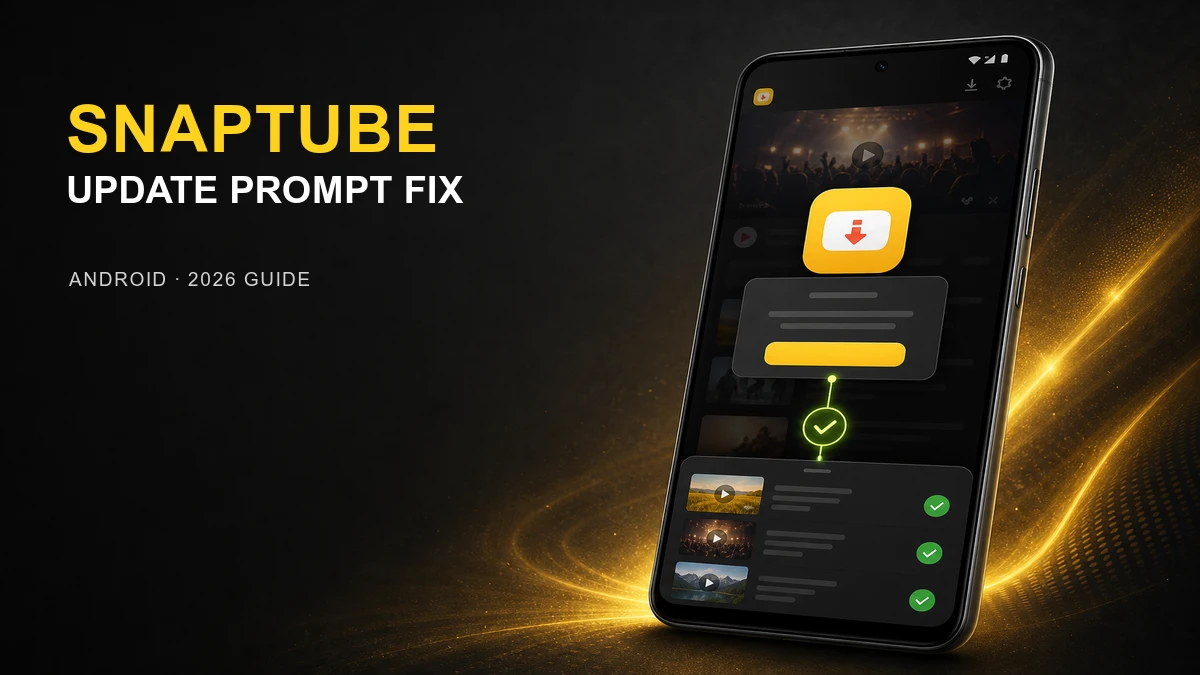
This is a dialog window

SnapTube Says Update to Latest Official Version? Playback & Download Fix (2026)

July 22, 2026
SnapTube update-required prompt repaired to restore video playback and downloads on Android

If SnapTube blocks playback or downloads with an update-required message, install the current build with the fix.

Check Current SnapTube Build on MODDROID

Video Players & Editors category · Current version notes · Download listing

An affected older SnapTube build can interrupt video playback or a download action with a message asking you to update to the latest official version. The wording can vary by build or language, but the result is the same: the media action does not continue.

This is an in-app update-required prompt. It does not mean that tapping a video or download immediately opens a Play Store link. The underlying update path may be described as a redirect issue in release notes, but the visible problem is the forced request to upgrade before you can use the normal playback or download flow.

The latest MOD fixes that interruption: update to the current compatible build, then retry the same video, music, or download action. You should be able to stay in SnapTube and continue normally instead of being stopped by the update message.

What the Old-Version Problem Looks Like

Symptom: You select a video, song, or download option, then SnapTube tells you to update to the latest official version instead of continuing.

That behavior blocks the app’s central job. A normal action should open the selected media, offer an available quality or format, or begin the in-app download flow—not stop at an upgrade prompt.

If this message appears every time on an old installation, do not treat it as a normal source or network failure. The build itself needs updating.

What the Latest MOD Fixes

Fixed: the forced update path that interrupts play and download actions in an older build.

  • Playback actions can continue without the old update-required interruption.
  • Video and music downloads can return to the usual SnapTube flow.
  • You do not need to follow the old prompt to install a separate official build just to test the same media action.

Scope: This fixes the old-version prompt. A particular source can still be unavailable, change its download options, or fail for a separate network or storage reason.

Update the Affected Build, Then Retest

Recommended update path

  1. Open the current SnapTube listing on MODDROID.
  2. Compare the listed version with the build installed on your phone.
  3. Install the current build. If Android reports a package or signature conflict, remove the conflicting old installation before retrying.
  4. Open SnapTube and repeat the exact play or download action that previously showed the update prompt.

Avoid keeping several old APKs and repeatedly following their in-app update requests. One current compatible installation gives you a clear result: either the forced prompt is gone, or you are dealing with a separate media-source issue.

If a File Still Cannot Save After Updating

First check the original symptom: the update-required message should no longer appear. If SnapTube stays in the app but a file cannot save, that is a separate download issue.

  • Confirm that the selected source still offers the video, audio, or quality you chose.
  • Check that your phone has enough available storage for the selected file.
  • Allow the storage or media access requested by SnapTube if Android shows a permission prompt.
  • Retry on a stable connection before assuming the update fix did not apply.

These checks matter only after the old forced update prompt is gone. They do not replace updating the affected build.

FAQ

Why does SnapTube ask me to update to the latest official version?

An affected older build can show an in-app update-required prompt when you try to play or download media. It is a forced update or compatibility message, not an immediate direct link opening the Play Store.

Does the latest SnapTube MOD fix the update-required prompt?

Yes. The current MOD release fixes the issue that interrupts media actions with the update path, allowing playback and downloads to continue in SnapTube again.

Do I need to install the official SnapTube version first?

No. Update directly to the current compatible MOD build. Do not follow the old in-app prompt to replace your installation with an official build unless that is specifically the version you want to use.

What if SnapTube still cannot save a file after updating?

First confirm that the update-required message is gone. If SnapTube stays in the app but cannot save a file, check source availability, storage, Android media permission, and the network connection separately.

Related guide

Ready to remove the forced update prompt? Update SnapTube, then retry your usual video or music download.

Get Current SnapTube on MODDROID

🔥 Procurando mais Mod APKs? Veja os downloads mais populares de 2026. Ver populares →
56.5K Shares
twitter facebook tumblr reddit quora medium