This is a dialog window

Duolingo Streak & Notifications Not Working on Android? 5 Fixes (2026)

June 16, 2026
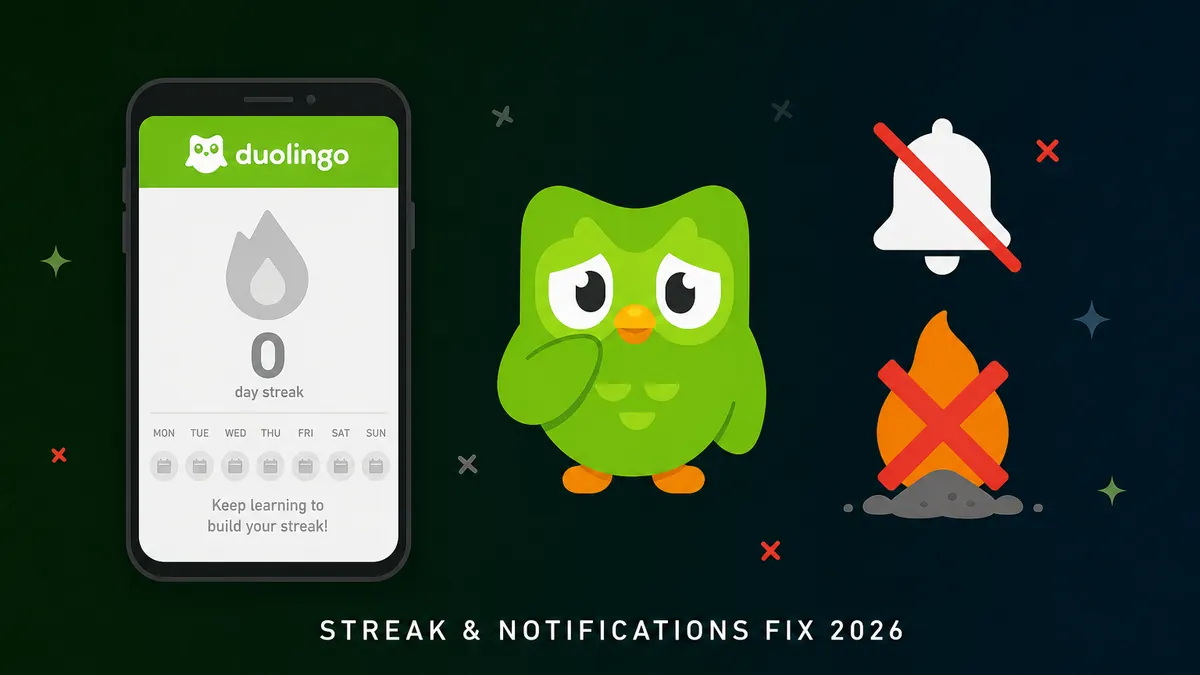
Duolingo owl mascot with cracked notification bell and broken streak flame icons on dark green background — Streak and Notifications fix 2026

Get the latest Duolingo APK on MODDROID — unlimited hearts and premium features unlocked.

Download Duolingo APK — Free

Education category · Unlimited hearts · Premium unlocked · Latest version available

Two of the most frustrating Duolingo problems on Android often happen together: your streak vanishes after a session you clearly completed, and your daily reminder never shows up to warn you before the cut-off. Both issues share the same root causes—Android's aggressive background restrictions and notification permissions—so fixing one usually fixes the other.

This guide walks through the 5 fixes that solve most streak and notification issues on Android 12, 13, 14, and 15 in 2026. Use the green download button above to make sure you are on the latest build before you start—some sync bugs were patched in recent versions.

If Duolingo is crashing or not opening at all (not a streak or notification issue), the steps in our Duolingo MOD APK guide cover install and compatibility checks.

Why Duolingo streak and notifications break on Android

  • Android 13+ notification permission is off by default — Duolingo reminders are silently blocked until you grant it
  • Battery optimization kills Duolingo before it can sync your completed lesson to the server
  • Timezone mismatch makes Android think you missed a day when you practiced just before midnight
  • Background data restrictions prevent the app from syncing streak progress between sessions

Work through the fixes in order — most users are sorted by Fix 1 or Fix 2 alone.

Grant notification permission (Android 13+)

Problem: Android 13 introduced a new POST_NOTIFICATIONS permission. Apps installed or updated without explicitly granting it have all notifications silently blocked — no prompt, no error.

What to do

  1. Go to Settings → Apps → Duolingo → Notifications
  2. Make sure Allow notifications is toggled on
  3. Expand the notification categories and enable Reminders, Streak alerts, and any category labelled "Practice" or "Daily goal"
  4. Open Duolingo → Profile → Settings → Notifications and confirm your reminder time is set

Tip: On Samsung One UI, also check Settings → Notifications → Do Not Disturb — Duolingo may be in a blocked app list there separately.

Disable battery optimization for Duolingo

Problem: OEMs like Xiaomi, OPPO, Samsung, and Huawei aggressively kill background apps to save battery. Duolingo gets terminated before it can deliver a reminder or sync your session's streak data to the server.

What to do

  1. Settings → Apps → Duolingo → Battery
  2. Change from Optimized to Unrestricted (wording varies: some OEMs say "No restrictions" or "Allow background activity")
  3. On Xiaomi / MIUI: also go to Security → Battery → App battery saver and set Duolingo to No restrictions
  4. On Samsung: check Device Care → Battery → Background usage limits and remove Duolingo from the sleeping apps list

Tip: This single fix resolves both silent notifications and streak-not-syncing for most users on Chinese-brand phones.

Allow background data and disable Data Saver

Problem: Android's Data Saver and per-app background data restrictions prevent Duolingo from syncing your completed lesson to the server when your screen turns off — your streak is counted locally but never recorded online.

What to do

  • Go to Settings → Apps → Duolingo → Mobile data & Wi-Fi and enable Background data
  • If Data Saver is on, add Duolingo to the unrestricted apps list (Settings → Network → Data Saver → Unrestricted access)
  • Always wait for the lesson completion screen to fully load (XP celebration animation) before closing the app — this confirms the sync completed

Fix timezone and streak timing issues

Problem: Duolingo's streak resets at midnight in your account's registered timezone, not necessarily your current local time. Traveling across timezones, or having an incorrect system clock, causes "phantom" streak breaks.

What to do

  1. Go to Settings → General management → Date and time and make sure Automatic date and time and Automatic time zone are both enabled
  2. Open Duolingo → Profile → Settings and check your account timezone; update it if you have recently moved or traveled
  3. If you practice close to midnight, finish the lesson and wait on the XP screen until the streak counter visibly updates before closing the app
  4. Check whether a Streak Freeze was silently consumed — Duolingo auto-uses a Streak Freeze on a missed day if you have one equipped, which can cause confusion

Tip: "I practiced but my streak reset" is almost always a sync timing or timezone issue, not a bug. The lesson data is saved locally — the streak counter requires a confirmed server sync.

Clear cache or reinstall (last resort)

Problem: Corrupt app cache after an OS update can cause notification channels to be registered incorrectly, breaking reminder delivery even when permissions look correct.

What to do

  1. Settings → Apps → Duolingo → Storage → Clear cache (this is safe — your progress is server-side)
  2. Force stop the app, then reopen it and sign back in
  3. If notifications still fail: uninstall Duolingo → reboot → reinstall the latest APK from MODDROID's Duolingo page
  4. After reinstall, Android will prompt you to allow notifications — tap Allow when asked

Tip: Clearing cache is always safe. Clearing data will log you out of the app, but your streak and progress remain safe on Duolingo's servers.

FAQ

Why did my Duolingo streak disappear even though I practiced?

Almost always a sync timing or timezone issue. Make sure you wait for the XP screen to fully load after each lesson, your system clock is set automatically, and your account timezone is correct. A Streak Freeze may also have been silently consumed.

Why are Duolingo notifications not working on Android 13 or 14?

Android 13 requires explicit notification permission approval. Go to Settings → Apps → Duolingo → Notifications and make sure all reminder categories are enabled. This is the most common cause of silent reminders.

Will clearing Duolingo's cache delete my streak?

No. Your streak, XP, and course progress are stored on Duolingo's servers. Clearing cache only removes local temporary files and is completely safe.

Does the Duolingo MOD APK affect streak or notifications?

Some MOD builds block certain server calls to unlock premium features, which can occasionally interfere with streak syncing. If you are on a MOD version and streak issues persist after all fixes, test with the standard APK to rule out the MOD as the cause. See our Duolingo MOD guide for version details.

More from the Duolingo series

Keep your streak going — get the latest Duolingo APK on MODDROID.

Get Duolingo on MODDROID

🔥 Procurando mais Mod APKs? Veja os downloads mais populares de 2026. Ver populares →
56.5K Shares
twitter facebook tumblr reddit quora medium